Yarbo: Initial Setup, Installation & User Guide
Course Description:
This course guide is automatically available to customers who purchase a Yarbo robotic system from SmartDots. As part of our commitment to delivering a complete and seamless customer experience, this course is designed to help you confidently set up, install, and operate your Yarbo system on your own.
The Yarbo platform is a multi-functional robotic system designed to support lawn mowing, snow blowing, and leaf blowing through interchangeable modules. This guide provides step-by-step video instructions covering everything from initial assembly and setup to configuration of different modules and operational settings.
Through structured walkthroughs and easy-to-follow demonstrations, you will learn how to assemble the Yarbo core, install various modules, configure the system using the mobile app, and optimize it for your specific property. Whether you are setting up mowing zones, configuring snow clearing paths, or defining no-go areas, this course ensures you can get your Yarbo system up and running efficiently and correctly.
What this Guide Covers:
1. Unboxing & Assembly
- Step-by-step assembly of the Yarbo Core unit
-
Installation of interchangeable modules:
- Lawn Mower Module
- Snow Blower Module
- Leaf Blower Module
- Charging/Docking Station setup
- Data Center assembly and installation
- Best practices for safe handling and setup
2. Getting Started & User Familiarization
- Overview of the Yarbo system and ecosystem
- Setting up and using the remote controller
- Connecting to onboard systems such as the speaker
- Basic navigation and system controls
3. Yarbo Core Setup & Configuration
- App pairing and initial system setup
- Configuring patrol and autonomous operation features
- Setting up patrol routes and custom paths
- Understanding core system settings and automation capabilities
4. Lawn Mower Module Setup & Operation
- App pairing and mower-specific setup
- Creating mowing areas and pathways
-
Configuring:
- Work preferences
- Scheduling
- Dead-end and narrow space handling
- Creating and managing No-Go Zones
- Optimizing mowing performance for different yard layouts
5. Snow Blower Module Setup & Operation
- App pairing and snow blower setup
- RTK antenna configuration for snow operations
-
Setting up:
- Snow clearing schedules
- Work preferences
- Areas and pathways
- Sidewalk mapping and snow throwing direction
-
Installation and maintenance of key components:
- Plow blade
- Scraper bar
- Protection fence
- Shear pin
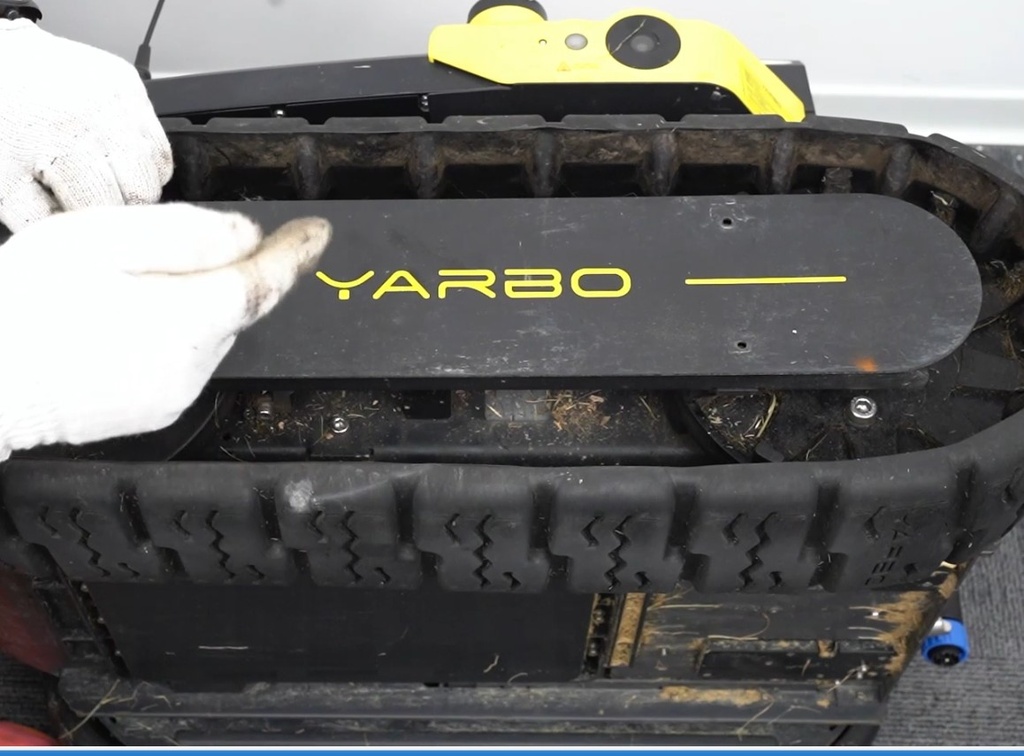
- Track maintenance, lubrication, and replacement
6. Leaf Blower Module Setup & Operation
- App pairing and setup for blower functionality
- Defining work areas and pathways
- Configuring work preferences for efficient debris clearing
7. Charging, Power & System Infrastructure
- Charging station setup and alignment
- Overview of Yarbo data center functionality
- Different recharging methods and best practices
- Ensuring reliable operation through proper power management
Course Format:
- Step-by-step video demonstrations
- Structured, module-based learning
- Short, easy-to-follow setup and configuration guides
- Practical walkthroughs for real-world scenarios
Course Outcome:
By the end of this course, you will be able to confidently assemble, install, and configure your Yarbo robotic system across all supported modules. You will understand how to set up work areas, schedules, and automation features, allowing you to fully leverage Yarbo’s capabilities for year-round property maintenance.
This knowledge will help you maximize efficiency, reduce manual effort, and ensure your Yarbo system operates reliably and effectively from day one.